Your idea, drawn as
a cut-ready file
Send us a photo, sketch or logo. A vector artist redraws it by hand into clean files for laser, Cricut and CNC, ready to cut and ready to sell.
Three steps to your files
No back-and-forth over email to get started: order, send your artwork, and follow your design in your account.
-
Choose a package
Pick what you need: a single design, a personalized sign or a matching set.
-
Send your artwork
Upload a photo, sketch, logo or reference images and tell us the size and material you'll cut.
-
Download your files
When your design is ready it appears in My orders, as SVG, DXF, EPS, PDF and PNG, ready for your machine.
Pick a package
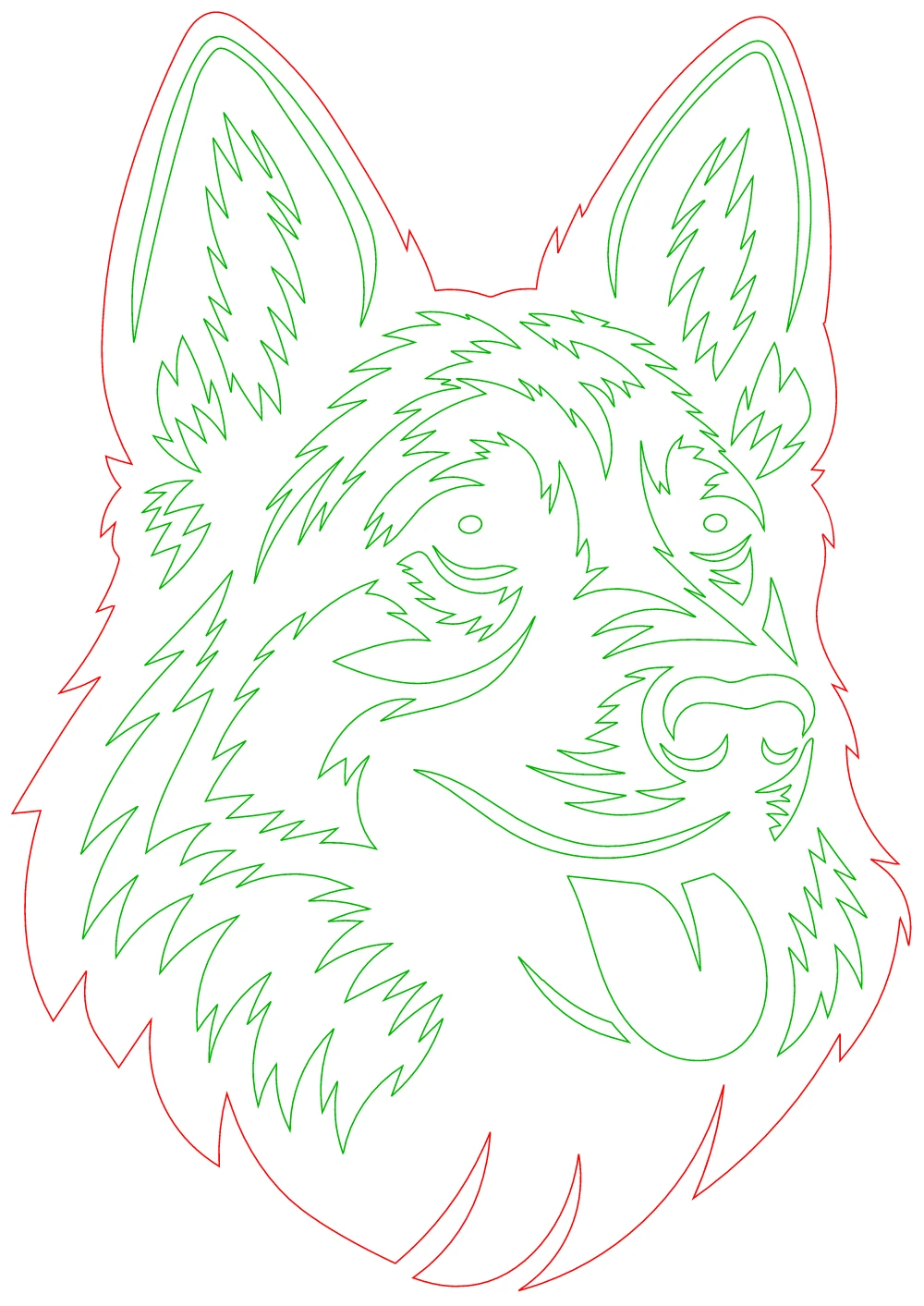
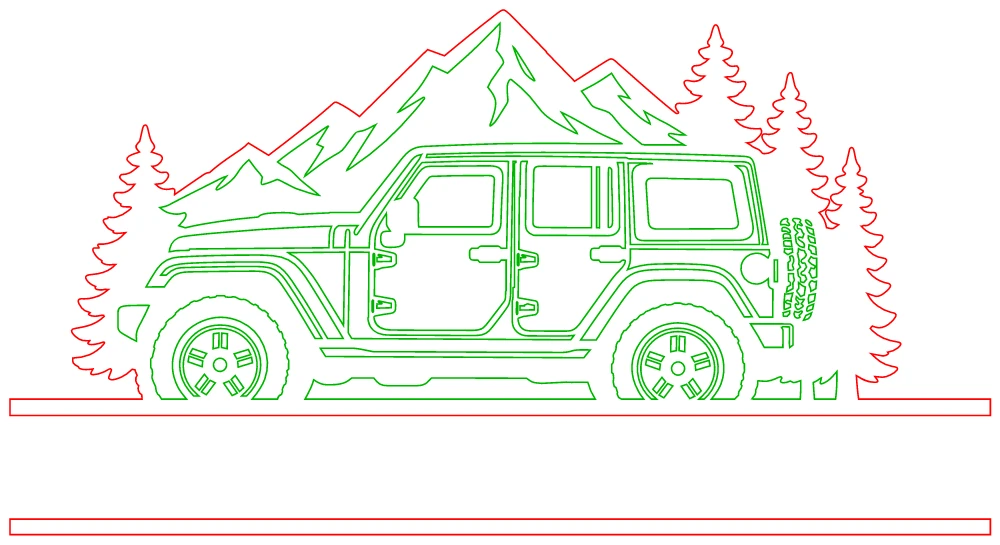
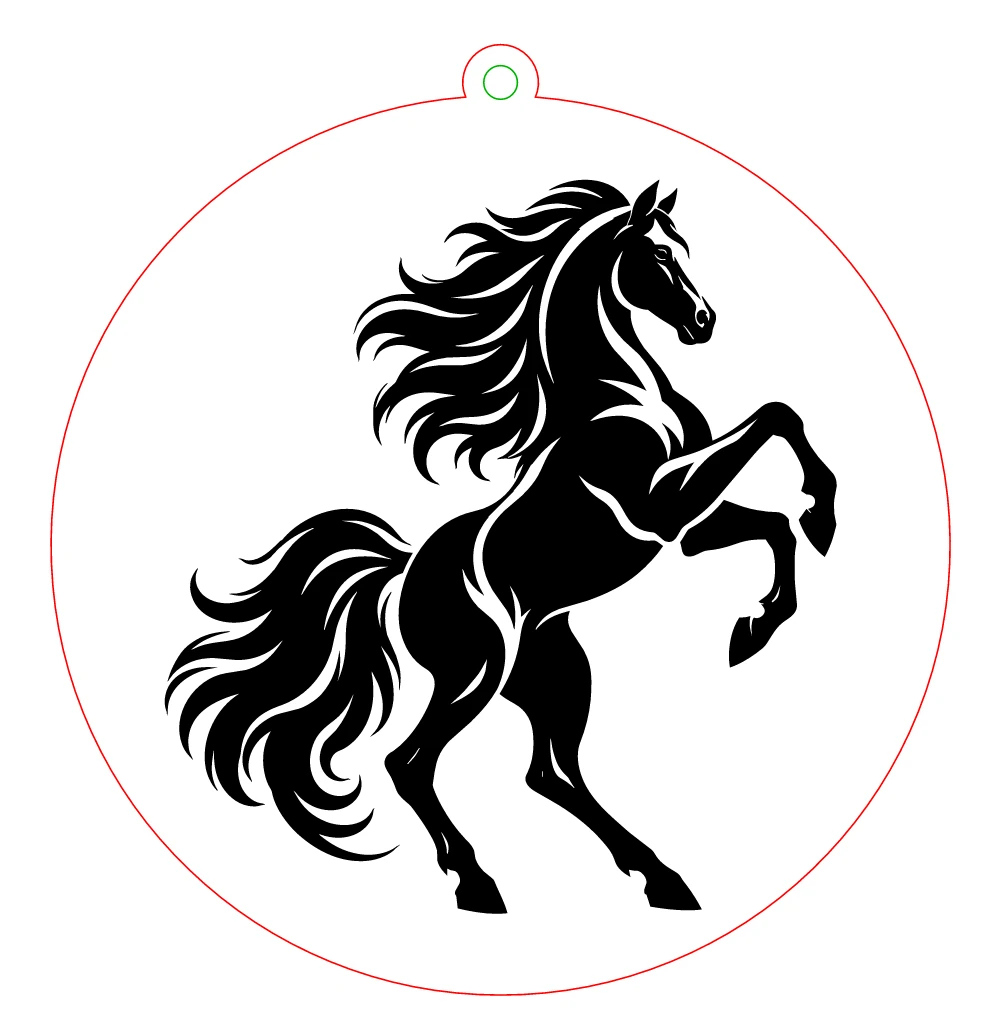
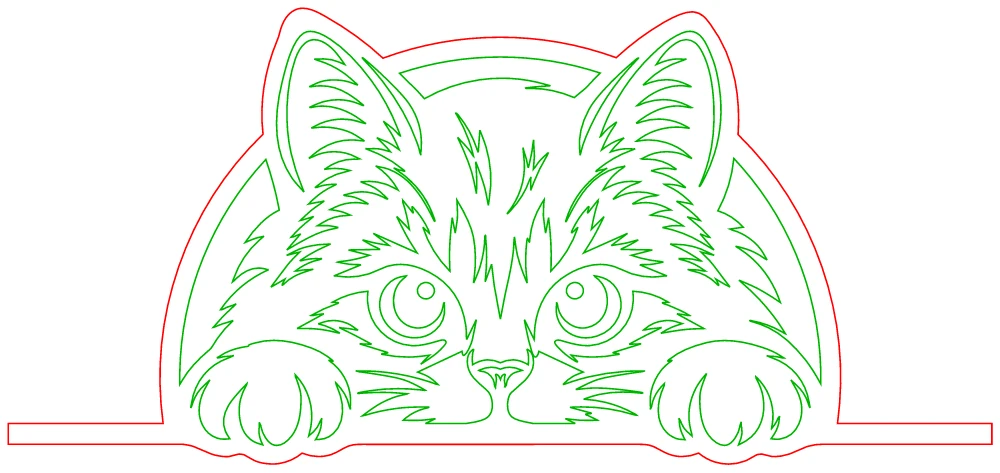
Every package includes cut-ready files in all the common formats, with red cuts, green inner cuts and engraving set up for your machine.
Packages are opening soon. Tell us what you need at hello@allthingsvector.com and we'll get back to you.
Payments are secured by Whop. After paying you can follow your order and download your files in My orders.
Drawn for the machine
Clean closed paths, sensible detail for the size you cut, and nothing that falls out or snaps.


Questions, answered
What can I send you?
Photos, sketches, logos, screenshots or existing files: PNG, JPG, SVG, PDF, AI, EPS, DXF or a ZIP, up to 25 MB each. The clearer the image, the closer we can match it.
Which files will I get?
SVG, DXF, EPS, PDF and PNG, set up for laser (red cut, green inner cut, black engrave) and for Cricut and Silhouette, at the size you asked for.
How do I follow my order?
Sign in to My orders with your email. You'll see its status there, and your finished files appear as soon as they're ready.
Can I use my own artwork?
Yes, as long as you have the right to use it: your own designs, licensed images or work you've been given permission to use.
How do I pay?
By card on this page. Payments are processed securely by Whop, and we never see your card. Refunds follow the policy shown at checkout.
Tell us what you want to make
Choose a package, send your artwork, and we'll turn it into files your machine can cut.